Monday, November 9th 2026

Microsoft Showcases Modernized Registry Editor as WinUI 3 Sample
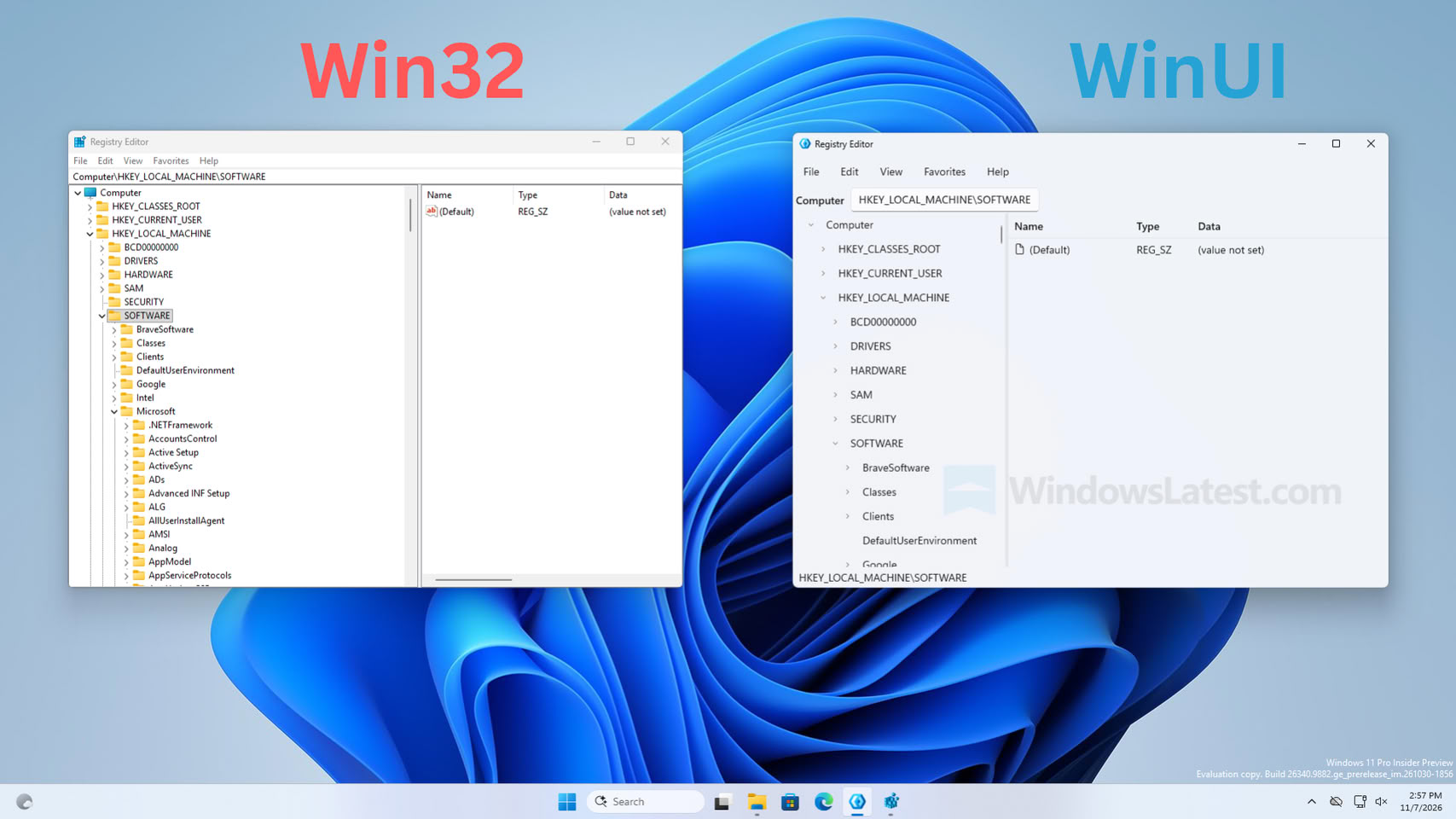
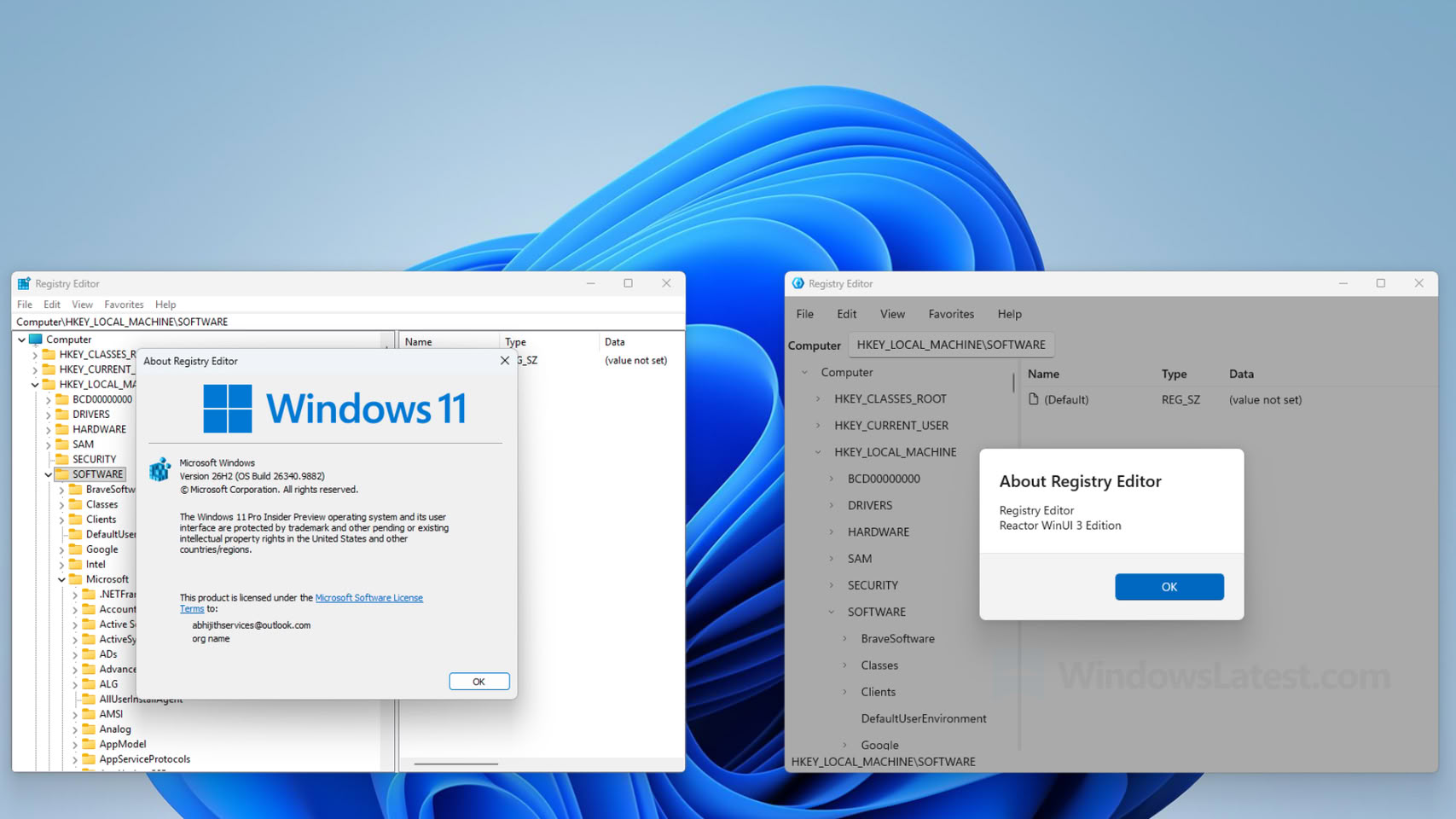
Microsoft has updated its core component, the Registry Editor, with the latest WinUI framework as a demonstration of what the WinUI 3 framework can offer to existing applications with legacy Win32 components. The Registry Editor, a fundamental Windows application, has remained unchanged across many generations of Windows operating systems, which have relied on it for essential system modifications. According to a report from Windows Latest, Microsoft showcased a modernized version of the Registry Editor built with the WinUI 3 framework as a sample, but it is not intended to replace the current application found in every Windows build.
Initially, Windows Latest did not explicitly state that the application overhaul was just a sample. This led Microsoft's executive Scott Hanselman to clarify on X that the new build is merely a sample application and is not connected to the team maintaining the current Registry Editor. Previously, communities on X criticized the new design for its sparse menus and unfinished look, prompting a response from Microsoft's staff. It is important to note that while a new version might be in development, the current application is only a demonstration and is not related to the team maintaining the existing application. A future update may address this, but for now, we remain with the older version.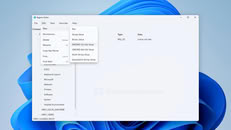
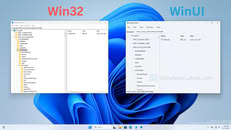
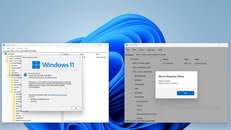 Since the introduction of WinUI, several versions have been integrated into the operating system. For example, Windows 10 still includes many UI elements from the Windows 7 era and earlier. Microsoft plans to transition the entire user experience to the desktop-only WinUI 3 framework, which is expected to reduce application latency, improve user experience, and provide a noticeably smoother feel. Achieving UI uniformity will enhance dark mode support, ensuring that when users enable dark mode, it will be consistently applied throughout the system, not just on select panels and the home screen. Additionally, once all legacy applications transition to WinUI 3, the OS will finally feel completely new.
Sources:
Windows Latest, Windows Central, Scott Hanselman
Initially, Windows Latest did not explicitly state that the application overhaul was just a sample. This led Microsoft's executive Scott Hanselman to clarify on X that the new build is merely a sample application and is not connected to the team maintaining the current Registry Editor. Previously, communities on X criticized the new design for its sparse menus and unfinished look, prompting a response from Microsoft's staff. It is important to note that while a new version might be in development, the current application is only a demonstration and is not related to the team maintaining the existing application. A future update may address this, but for now, we remain with the older version.

50 Comments on Microsoft Showcases Modernized Registry Editor as WinUI 3 Sample
Does no one at Microsoft know the KISS principle?
If it ain't broken don't fix it, goddammit!
Like literally, there is absolutely NOTHING BETTER compared to the classic one. They just increased the font space, less screen space, crappy interface, etc.
No.
What has the world of UI design come to... :banghead:
EDIT: The only reason we need scaling is people in general don't understand the concept of pixel density so they see a 4K screen in a 15" laptop and think it's a great idea.
Regards,
Year of manufacture 1988.
Every C-level MS exec with co-pilot enabled in paint.
appsapplications.* Then again, maybe I'm weird. I disliked the 2000 and XP system fonts so much that I transplanted the MS Sans Serif font from 98, and when I move to Linux, I want that font to go there with me.
- search using regular expressions
- search with all results listed
- search and replace
- about 300x faster search (I mean, how could they make it so slow while using 0% CPU?)
- option to exclude hkey_classes_root and hkey_current_user from search because they are just aliases
- if a registry key contains a directory path, open Explorer there
- undo and redo, perhaps 21st century style (meaning multiple steps)
- mark all changes in bold font (like Firefox does in about:config page)
- export all changes done in a session to a .reg fileIt's for black hat hackers, leave it alone. Aleksan darK, correct me if I'm wrong.
Just look at these two screenshots, the density is complete joke on a new one. This is completely unusable, huge font, useless padding everywhere. Dumb design over any functionality.
This is horrible, even AI could come up with something better than this. It's clear Microsoft wants to TORTURE you every time you try to edit registry, make it as horrible as possible!
No. Just No. Noooooo!
The amount of excessive padding and spacing in the window is awful, sometimes it's better not fixing what isn't broken.Dark mode switches the white UI elements to black and grey, it's a nice thing for not burning eyes ever since MS decided to make so much of the Windows UI bright white for no good reason.
Luckily, there are Registry Workshop, and others.
While some small modicum of excess is legitimate -- like legacy support, objectively meeting those targets doesn't even double the code requirement. The Microsoft Criminal Clown Circus has Jumped the Shark, is run by a Felon, and you guys are sweating the dysfunctional eye sore they're making out of the Registry Editor... It's just a a Bird Turd decoration on the Clown Slop sh*t cake... You should be used to it by now -- if you're still wallowing in this dystopian creation...